1:2:1 School-Managed Devices

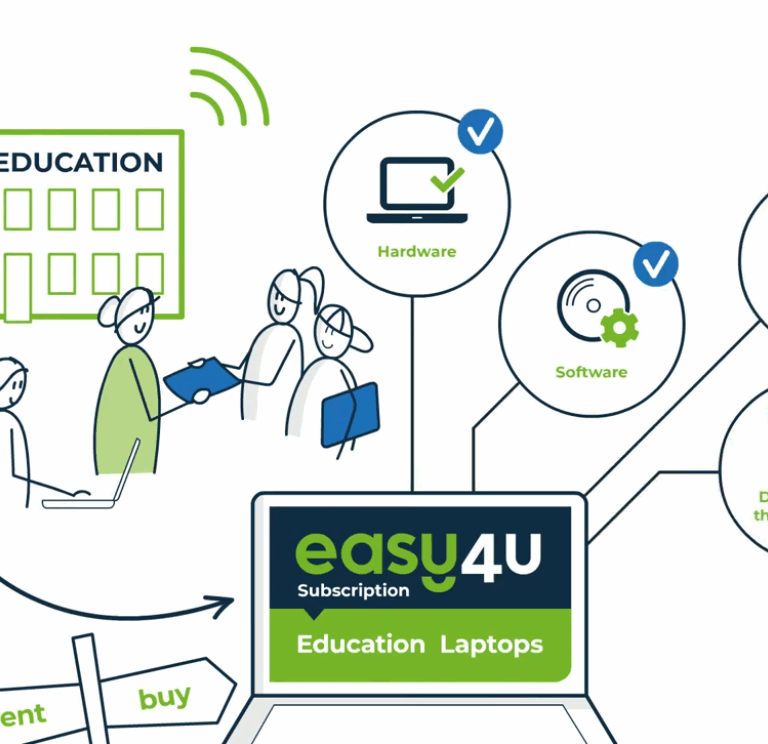
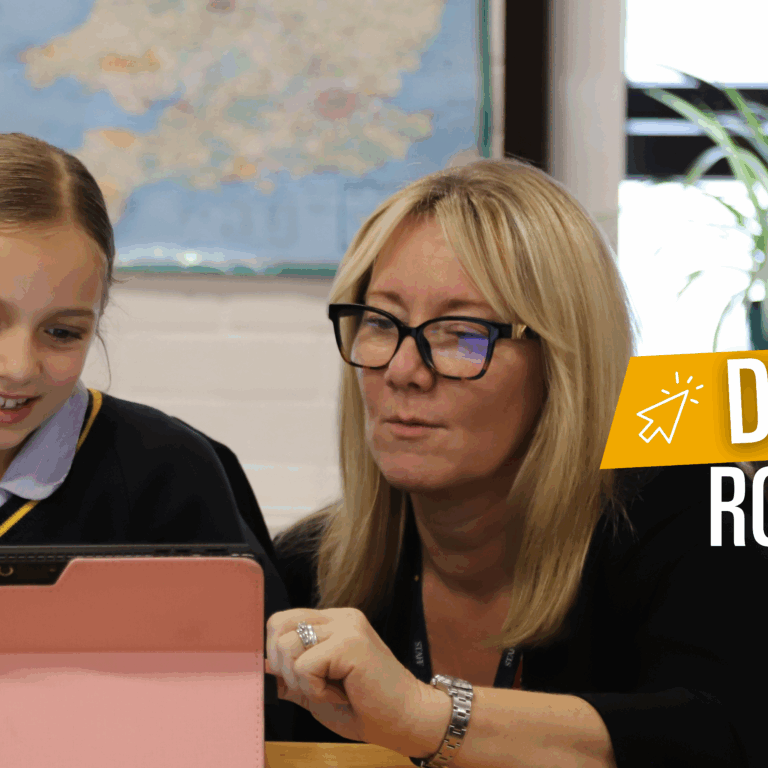
From Year 7, every student uses a school-managed device as part of our exciting blended learning curriculum. These devices, along with insurance and technical support, are provided through Easy4U and funded by parents. This approach ensures consistency, security, and expert support, giving students the tools they need to thrive in a digital learning environment.

Discover how our students use technology to enhance learning, creativity, and collaboration at Burgess Hill Girls below.

Devices and Usage

What device will my child be using?

Currently, we offer 2 devices for families to choose. These have 2 different price points. Dell 2-in-1 and Microsoft Surface Pro. Both devices have inking capabilities. 

Can you provide a summary of the difference between the 2 models?

  • The Dell is a more traditional style laptop, but with a 2-in-1 style touch screen that can fold all the way back to act like a tablet. The Surface is a slim and light device, with a keyboard that can be either folded back or completely removed from the device, turning the Surface into a tablet. The Surface also has a kickstand.  
  • The Dell has a wide range of connecting ports, including UBC-C Thunderbolt 4, USB-A (3.2), HDMI and 3.5mm headset jack. The Surface has USB-C Thunderbolt 4 and Surface Connect port.
  • The Surface screen has a higher refresh rate (20Hz vs 60Hz) than the Dell, making for a smoother inking experience. The Surface also has a much higher resolution at 2880 x 1920 vs the Dell at 1920 x 1200.
  •  The Surface has a front and backwards-facing camera, when taking images of work completed on paper. The Dell has a front-facing camera.

Are digital devices used in all lessons?

No, devices are used selectively to enhance learning where appropriate. 
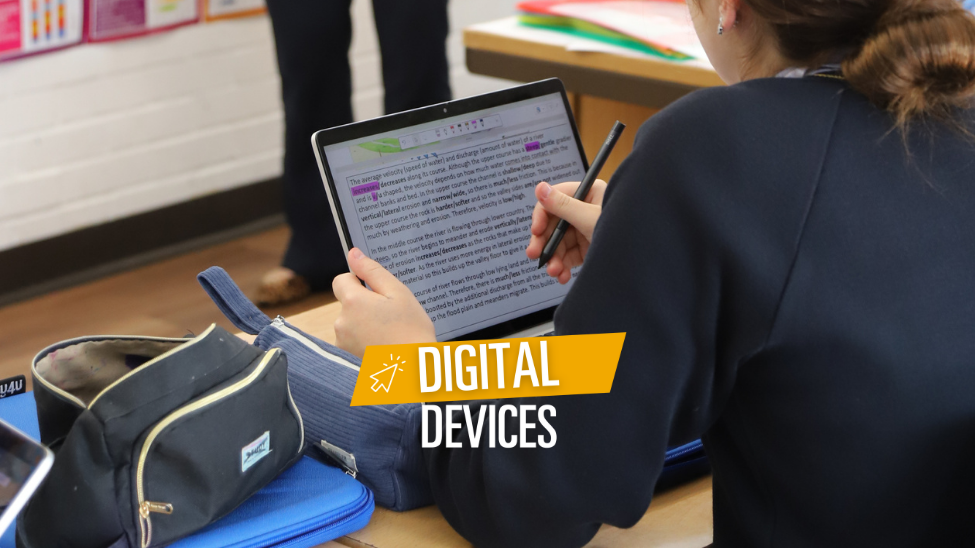
At Burgess Hill Girls, teachers decide when technology best enhances learning. Devices may be used for collaboration, research, or multimedia tasks but do not replace core activities like handwriting, reading, or practical experiments. We maintain a healthy balance between on-screen and off-screen learning through a blended model that combines digital tools with traditional methods, helping pupils build digital literacy alongside essential skills such as handwriting, speaking, and teamwork. 

My child already has a laptop, can they use this rather than the laptop provided through the Digital Device Scheme?

Students must use the specified devices provided through the Digital Device Scheme via Easy4U. This ensures consistent access, protection, and compatibility, so teaching and learning is not disrupted. Inking technology which is available with these devices is essential. 

Can my child charge the device at school?

Students are expected to bring their devices to school fully charged each day, as they should be able to last the entire school day. If a device requires additional charging during the day, secure charging lockers are available in the school and can be accessed at break and lunch time.  

What training will students be given in using the devices?

Students will have a familiarisation sessions and ongoing support and development throughout the year. Digital tools will be introduced progressively ensuring students feel confident and supported. Student Digital Champions also run drop in sessions to support student’s use with devices. 

How will using a device help prepare my child for the world beyond BHG?

Our 1-to-1 device strategy supports the school’s mission of developing tomorrow’s women. Students will build confidence with tools like Microsoft 365 and Teams, used by 95% of UK universities and businesses, ensuring students develop skills needed in modern workplaces. While technology doesn’t replace collaboration or judgment, it strengthens critical thinking and problem-solving. We purposefully integrate technology to equip students with the digital fluency, employability, and safety skills to thrive beyond school. 

When a child leaves the school, who owns all their work? What happens with it and how would they retrieve it?

Students will be able to download Classroom Notebooks and turn to a PDF for future reference. These can be downloaded or saved. 

Cost & Financial Support

How will I buy this device?

The device will be either purchased or leased through the Easy4U Webshop portal. Parents are offered flexibility for length of technical support, this means prices and lease lengths vary to support parents.  

What are the benefits of leasing a device?

Leasing the device allows the cost to be spread across manageable monthly payments, along with an initial deposit. At the end of the lease term, if you choose to keep the device, the deposit will be retained by Easy4U. However, if the device is returned in suitable condition, the deposit will be refunded. 

Who owns the device?

Although the device is owned by your child (or by you), it is managed by Burgess Hill Girls during their time at the school. Upon leaving, all school-related restrictions and software will be removed, giving your child full control of the device 

Is there any financial support available for pupils in receipt of a bursary?

The school has arranged a competitive price to make access affordable for most families; while there is no automatic additional funding, families experiencing financial difficulty may apply for assistance, which will be considered on a case-by-case basis in line with our means-tested bursary process. 

Support, Repairs & Maintenance

Will the school provide technical support?

The School’s IT department can provide basic technical support, anything further than this and the device will be sent away to Easy4U. The IT department will raise a ticket and provide the student with a temporary replacement. If a parent has a query for Easy4U or requires any assistance raising a ticket, Info@easy4u.School is available to support parents. 

What happens if the device is damaged or stolen?

Every Easy4U device is fully covered for accidental damage and theft. If something happens, Easy 4U repair or replace. Claims are limited to 3 instances during the contract period with an excess of £50 for each claim. Warranty and insurance is valid for the duration specified during purchasing stage. 

Online Safety

How will the school ensure my daughter's safety online?

Robust filtering and monitoring systems in place. Burgess Hill Girls already uses industry leading filtering software and monitoring to meet the latest UK Government standards for filtering and monitoring in schools. These standards require all schools to block harmful and inappropriate content, without unreasonably impacting teaching and learning, and to ensure there are effective monitoring strategies that meet the safeguarding needs of the setting. School-configured devices will be equipped with age-appropriate content filters and activity monitoring tools. 

HOW IT WORKS FOR PARENTS

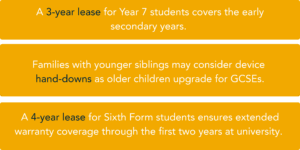
To suit different needs, families can choose 2, 3, and 4-year leasing options for all devices, a 5-year lease for the Dell model, and the option to purchase outright. 

This flexibility allows parents to choose the best plan for their child’s educational journey and family circumstances. For example: 


Upcoming Open Events